

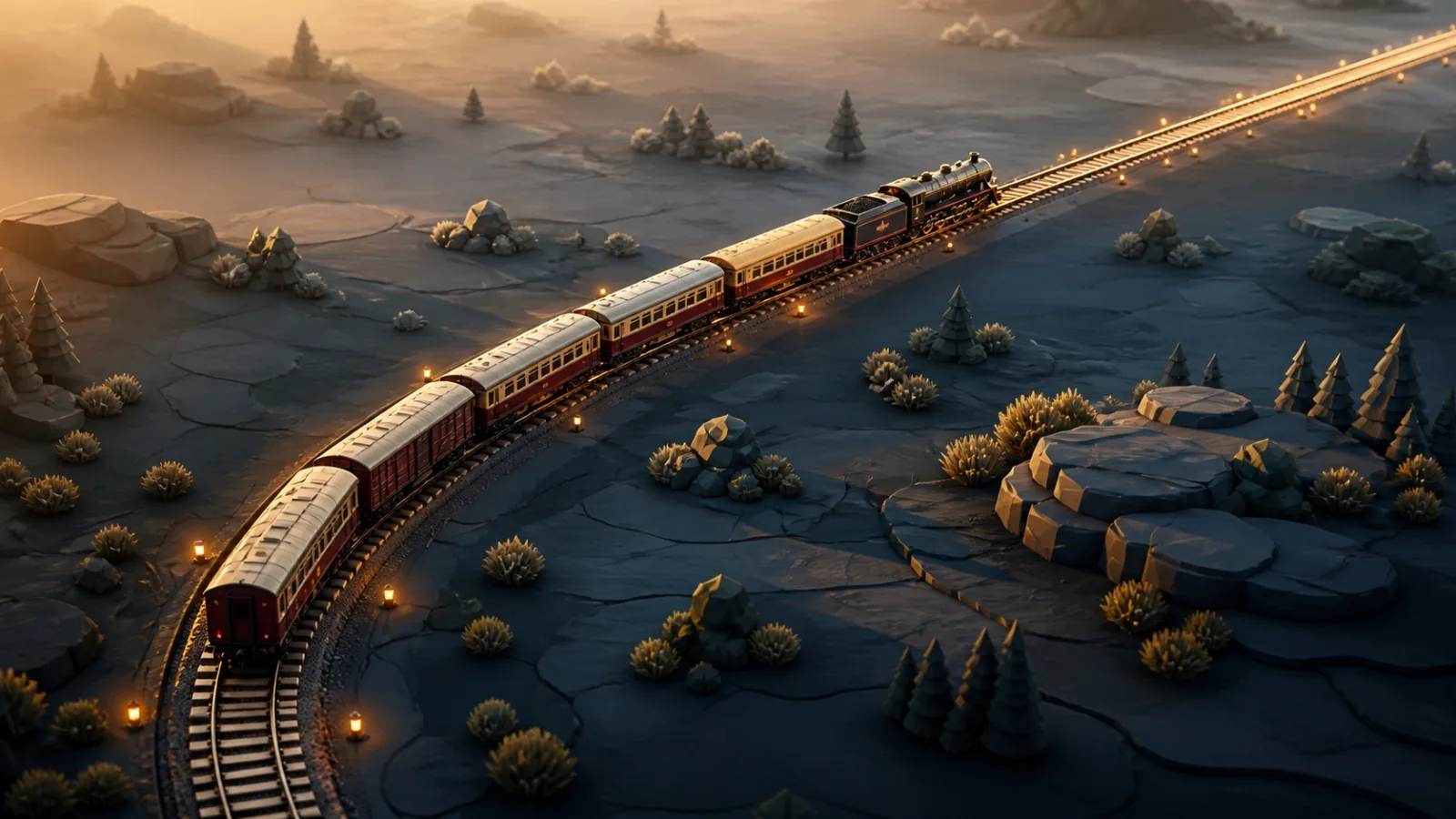
While testing Railweave at higher levels, we noticed that long trains remained restricted for several tiles after the locomotive had already left a curve. On dense networks, even well-designed fast corridors therefore spent much of their time operating at only 60 or 80%. Starting with version 7.5, the locomotive determines both when a train enters and when it leaves a local speed restriction. This applies to 45° curves at 80%, 90° curves at 60%, and diverging switch routes. As soon as the locomotive reaches unrestricted straight track, the entire train can accelerate again. The train still moves as one unit at a shared speed and automatically brakes safely before entering a curve. What this change brings:
- Straight sections beyond curves and switches have greater strategic value.
- Long trains no longer remain slow merely because their final wagons are still completing the curve.
- Higher levels offer more room for fast main lines and carefully positioned switches.
- Existing layouts may achieve higher U/min performance. Bridges and tunnels intentionally remain an exception. Their selected 60, 80, or 100% profile applies until the final wagon has cleared the structure. A Gentle 100% profile does not slow the train down. Safe two-tile spacing, automatic braking, and node reservations remain unchanged. Reservations are still released only after the final wagon has passed. The change is already live in version 7.5. Saved games and all existing leaderboard results remain intact.